


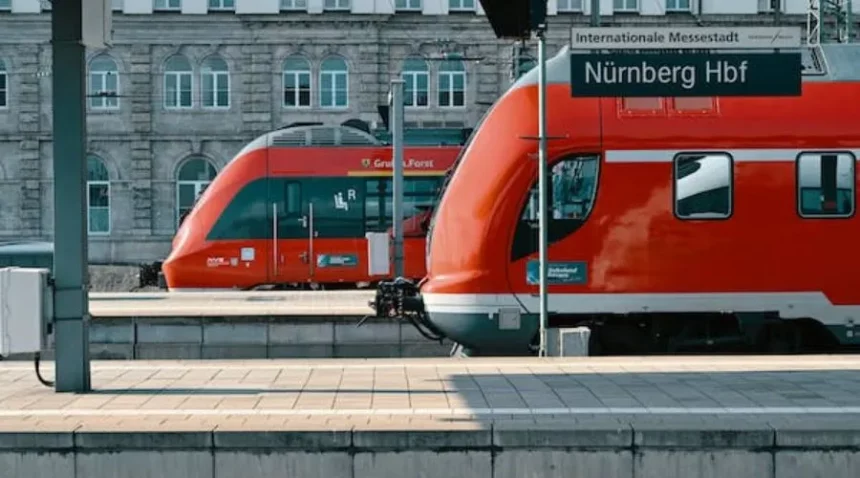
There are several options for traveling by train from Turku To Helsinki. The main train operator offers both regional and intercity trains. The intercity Turku To Helsinki train is the fastest and most comfortable option. Regional trains from Turku To Helsinki trains take a longer time. You can purchase tickets online and prices vary depending on the type of train and the time of travel. It’s recommended to book in advance to get the best price.
List of Trains from Turku To Helsinki
Here you’ll get the list of all trains between (Kupittaa (Turku)) Turku To Helsinki (Helsinki Central Station)
1.Train #IC944 InterCity
This type of train coach is more comfortable for both long and short travels between 2 different cities. Here are the details of Turku To Helsinki train-
Time- 06:31 – 08:23
Duration- 1h52m
Class-Economy/Business
Starting Price- $30
Passenger Amenities– WIFI, Power Socket
2. Train #IC950 InterCity
This type of train reduces the travel time of passengers by skipping the station and speed. Here’s the details of train from Turku To Helsinki-
Time- 09:31 – 11:23
Duration- 1h52m
Class-Economy/Business
Starting Price- $30
Passenger Amenities– WIFI, Power Socket, TV
3. Train #IC954 InterCity
These kinds of trains are very efficient and cost saving mode of transportation which saves time and money. Here’s the details of Turku To Helsinki train-
Time- 11:31 – 13:23
Duration- 1h52m
Class-Economy/Business
Starting Price- $30
Passenger Amenities– WIFI, Power Socket, TV
4. Train #IC956 InterCity
This train help me a lot for passengers to connect main major cities/regions. Here’s the details of train from Turku To Helsinki-
Time- 12:31 – 14:23
Duration- 1h52m
Class-Economy/Business
Starting Price- $30
Passenger Amenities– WIFI, Power Socket
5.Train #IC962 InterCity
The express train which have a good interior which is comfortable for all kind of routes. Here’s the details of Turku To Helsinki train-
Time- 15:31 – 17:23
Duration- 1h52m
Class-Economy/Business
Starting Price- $30
Passenger Amenities– WIFI, Power Socket
6. Train #IC966 InterCity
Trains often have more comfortable seating and amenities which making them more pleasant to travel on. Here’s the details of train from Turku To Helsinki-
Time- 17:31 – 19:26
Duration- 1h55m
Class-Economy/Business
Starting Price- $30
Passenger Amenities– WIFI, Power Socket, TV
7.Train #IC968 InterCity
Trains can be a cost-effective alternative to other forms of transportation, such as air travel or driving. Here’s the details of Turku To Helsinki train-
Time- 18:31 – 20:23
Duration-1h52m
Class-Economy/Business
Starting Price- $30
Passenger Amenities– WIFI, Power Socket, TV
8. Train #IC972 InterCity
The express train which have a good interior which is comfortable for all kind of routes. Here’s the details of Turku To Helsinki train-
Time- 20:56 – 22:56
Duration-2h0m
Class-Economy/Business
Starting Price- $30
Passenger Amenities– WIFI, Power Socket
Also Read : Dublin To Cork Train- Timing, Schedule, Class & Price
FAQS
Why Choose a Train from Turku To Helsinki?
You have a choice to choose other mode of transport for Turku To Helsinki. Like bus, airplane as per the availability and personal preferences. Trains are often more comfortable, provide scenic views and are more environmentally friendly. Additionally, trains offer more flexibility in terms of schedule and route and can be more convenient for traveling with large amounts of luggage or for getting around once you reach your destination. Ultimately, the decision depends on what you value most in your travel experience.
How to cancel Turku To Helsinki train tickets online?
To cancel your train tickets from Turku To Helsinki online, you will need to follow these steps:
- Go to the website of the train company that you purchased the tickets from.
- Log in to your account.
- Locate the option to view your existing reservations or tickets.
- Select the tickets that you wish to cancel.
- Follow the prompts to confirm the cancellation and receive a refund (if applicable).
Please note that refund policies and procedures may vary depending on the train company and the type of ticket that you purchased. Some tickets may not be eligible for a refund or may only be eligible for a partial refund. Therefore, it is important to check the company’s refund policy before canceling your tickets.